example · whole-page walkthrough
A landing page, walked through and measured
Cadence is an original page — our design, our copy, our SVG. We recorded a walkthrough of it, fed the recording back through motiscope, and published everything it got right and the two things it got wrong.
The page
scroll inside the frame · this is the real thing, not a video
The walkthrough
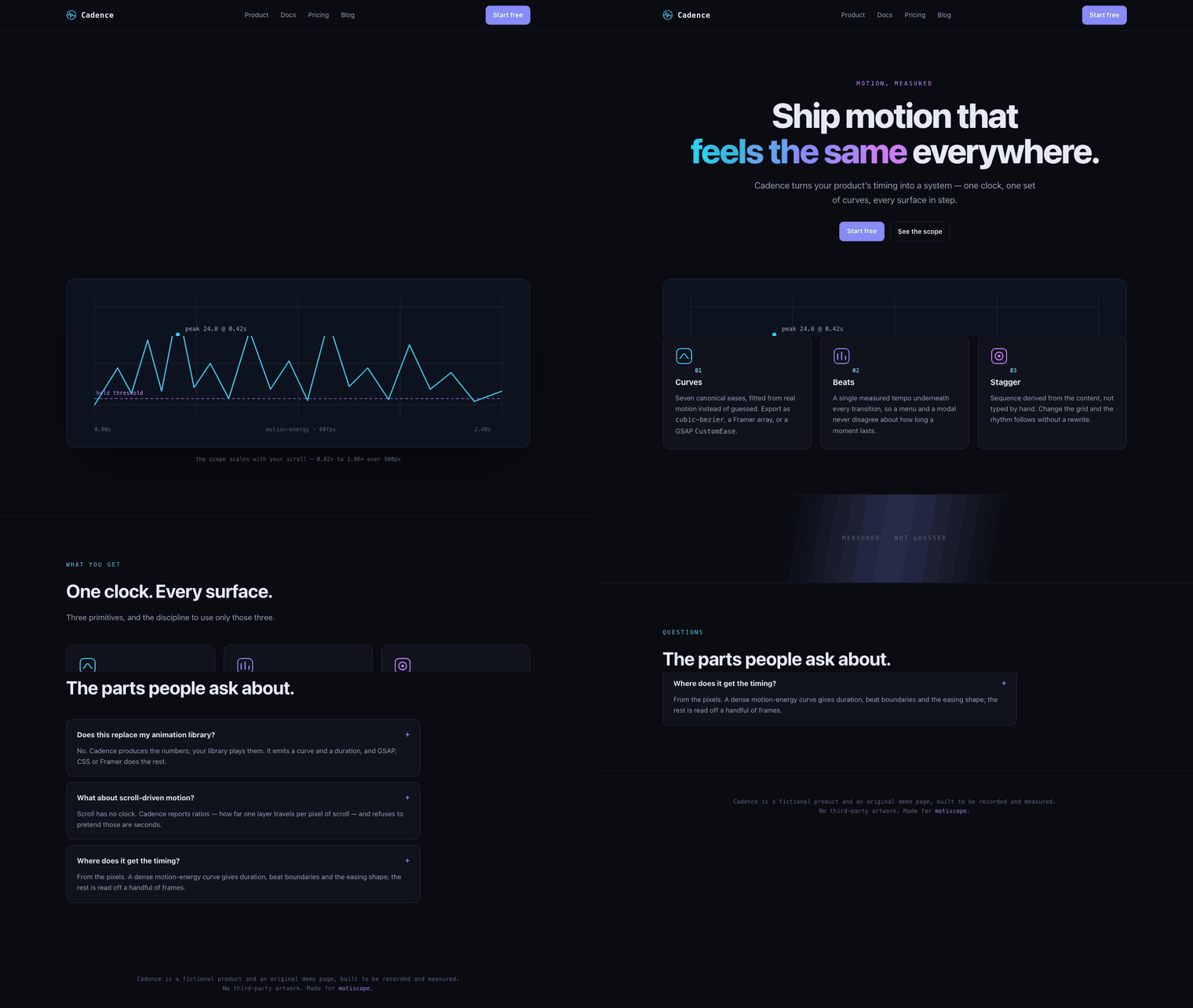
4.85s at 20fps · the recording motiscope was given
What it recovered
every scroll boundary, to within one frame
The walkthrough has four pauses. motiscope found four holds, and every boundary between a scroll and a pause lands on the authored millisecond — the clip runs at 20fps, so one frame is 50 ms.
| Authored | Measured | |
|---|---|---|
| hero entrance, 0ms | move 0..400ms | under-read — see below |
| pause @ 0px, 1250ms | hold 450..1450ms | section 1 |
| scroll 0→900px, 1500ms | move 1500..2100ms | exact |
| pause @ 900px, 2150ms | hold 2150..2400ms | exact |
| scroll 900→1600px, 2450ms | move 2450..3050ms | exact |
| pause @ 1600px, 3100ms | hold 3100..3350ms | exact |
| scroll 1600→2100px, 3400ms | move 3400..3800ms | exact |
| pause @ 2100px, 3850ms | hold 3850..4050ms | exact |
| scroll 2100→2480px, 4100ms | fade-out 4100..4800ms | right time, wrong label |
This is what rebuild-site is built on. The holds are the sections;
the moves are the transitions between them; the curated frames show you what each section
contains.
What it got wrong
two failures, both instructive
1 · A staggered entrance reads as one bell curve
The hero is four elements, each 700ms with cubic-bezier(.16,1,.3,1),
90ms apart. Together they run from 0 to about 970 ms.
motiscope reports move 0..400ms, easing ease-in-out.
ease-in-out. Every element is ease-out;
their sum is not. Per-element easing is not recoverable from aggregate energy — it comes
from the frames, which is exactly the division of labour the tool is built on.
The stagger hint tells the same story: it reports 342ms, right-to-left.
That is the scroll, not the 90 ms hero stagger. On a walkthrough the dominant motion is the
page moving, and the hint describes the dominant motion honestly.
2 · Scrolling into a dark footer is not a fade
The last scroll lands on a dark footer. Brightness genuinely ramps down, and
blackdetect fires for the final 0.45 s, so the segment is labelled
fade-out — with a beautifully fitted
cubic-bezier(0.16, 1, 0.3, 1), which is real and irrelevant.
The timing is right: the segment starts at 4100ms, the exact authored moment. The label is wrong. A page whose footer is darker than its hero will do this to you, and no amount of signal processing fixes it — a human (or a model reading the frames) has to look and say “that’s a scroll.”
measurement-traps.md now carries both lessons.
The frames motiscope actually used
22 curated keyframes at 1280px · the landing preset
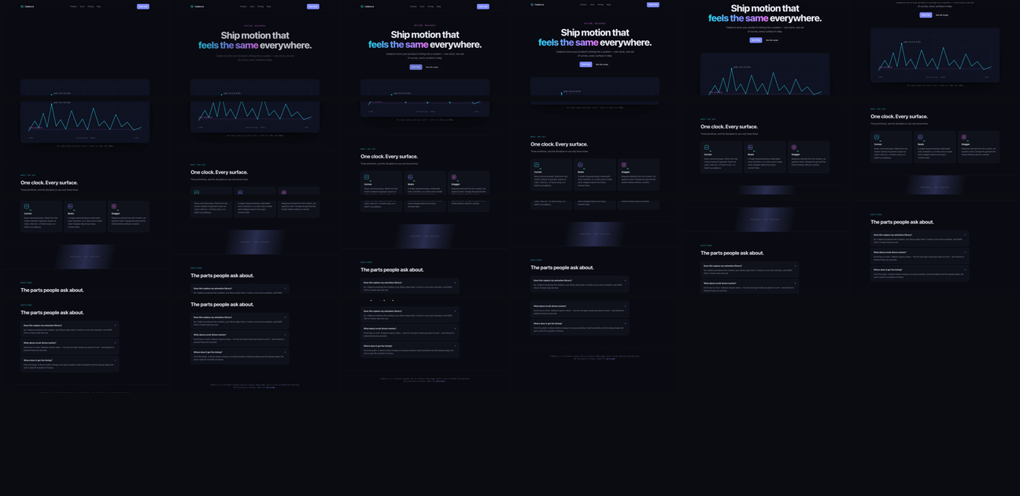
landing preset is for. Timestamps and reasons in
report.md.Given these frames and that segment table, a model can reconstruct the sections, the copy, the
design system and the motion per section — and wire it to measured timing rather than
guessed values. That is the whole of rebuild-site.
Why this example exists
two whole-page examples, doing two different jobs
The gallery’s other whole-page example, Alterfx, is a faithful
recreation of someone else’s Dribbble concept — credited on the page, framed as a
design-to-code study, not affiliated with the original designer. It shows what
rebuild-site can do with a real-world recording of a real-world design.
Cadence shows how well it does it. Because the page is ours, the authored numbers aren’t estimates — they’re in the CSS — so the comparison above is checkable rather than asserted. A study proves the capability; ground truth measures it.
Building this one also changed the tool. The rebuild-site skill now leads with a
rights step: if the recording is of someone else’s site, raise it before building
— offer a credited study, or rebuild the structure and motion under the user’s own art and
copy. The instruction exists because the skill used to add attribution after the fact, and
never told the model to ask first.
Reproduce it
the page is the source of truth — the constants are in its CSS
motiscope analyze landing.mp4 --preset landing # -> report.md + 22 curated framesThe page freezes on an exact time and scroll via #f=<ms>:<px>, which is
how the recording was rendered frame by frame — a hero entrance at scroll 0, then a pause on
each section.